Let Your Ancestors Out of the Box
Are your precious vintage photographs in a box, damaged and unknown to other family members? Share the knowledge, beauty, and information.
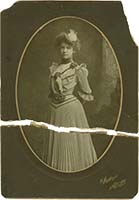
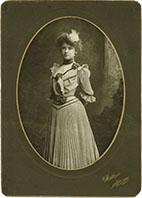
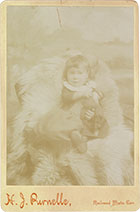
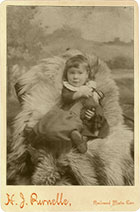
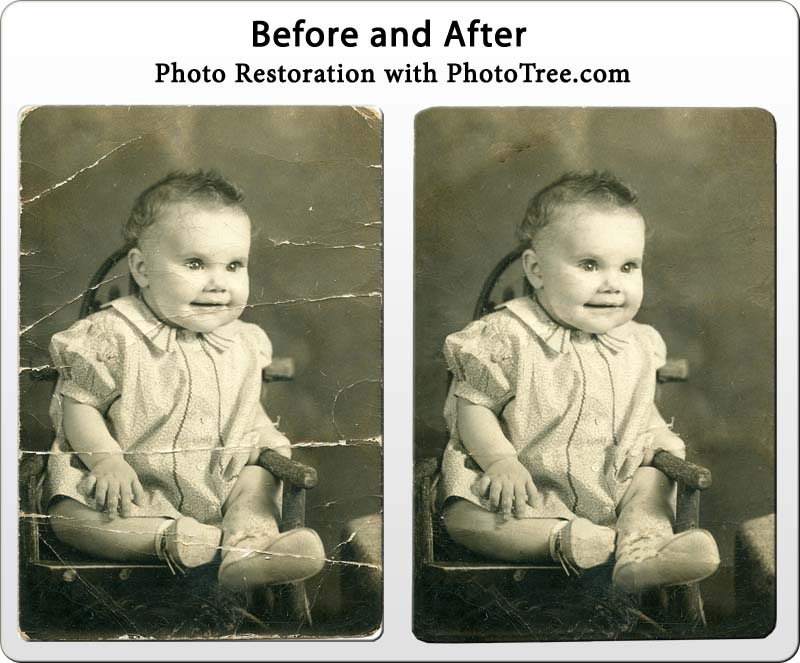
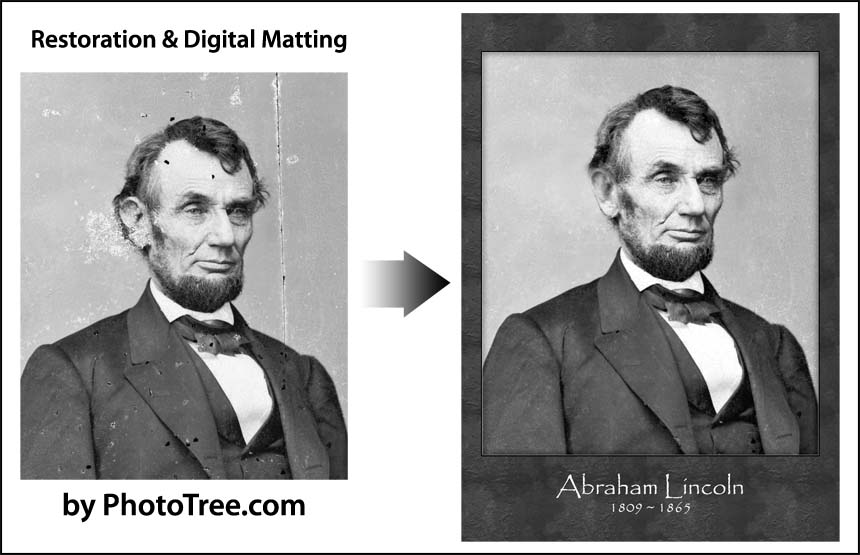
We can repair digital copies of your vintage photographs, returning them to near-original glory. You can then share these restored images with loved ones and rest assured you have preserved your family history.
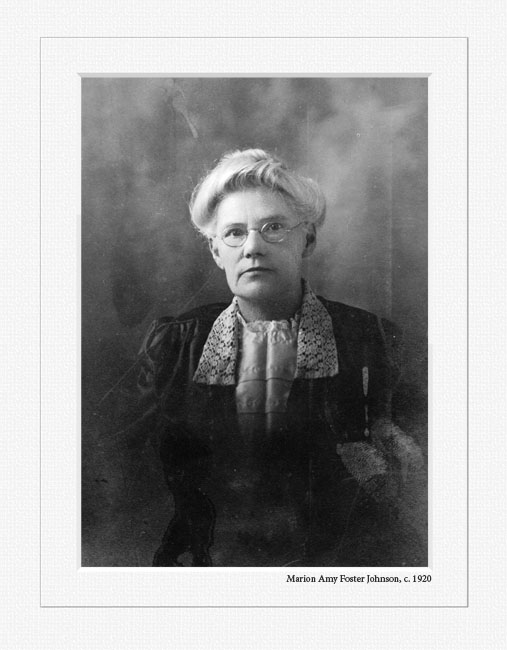
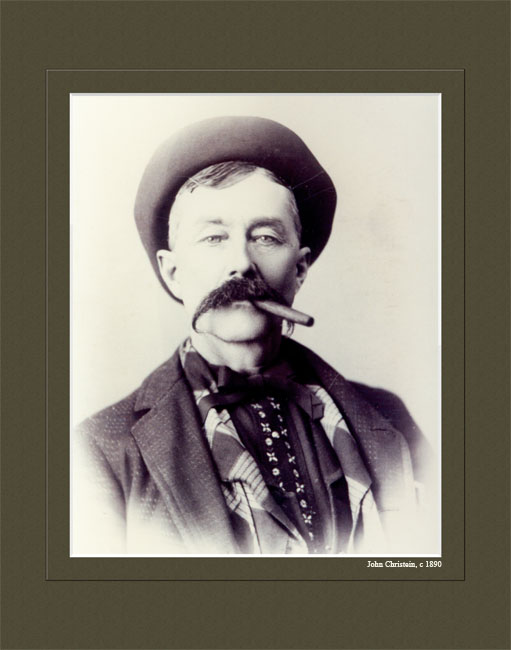
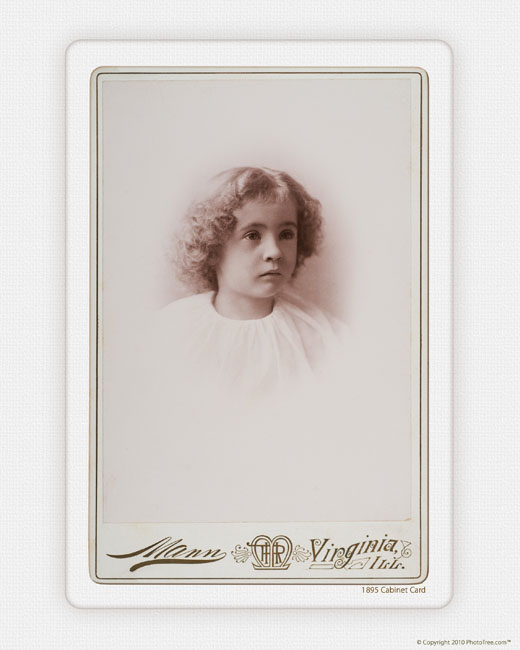
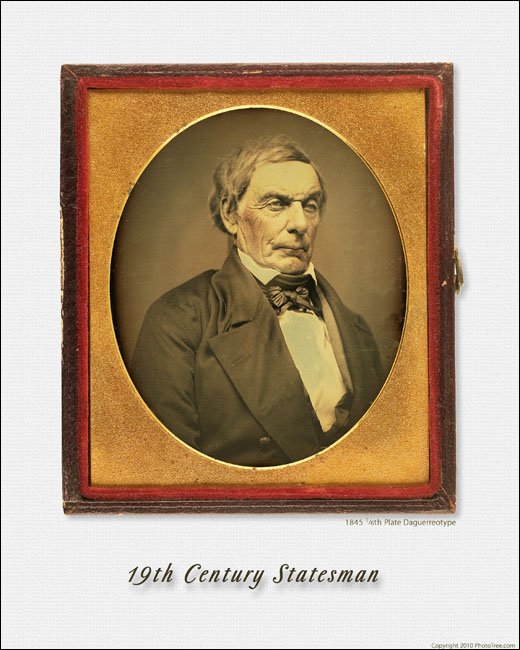
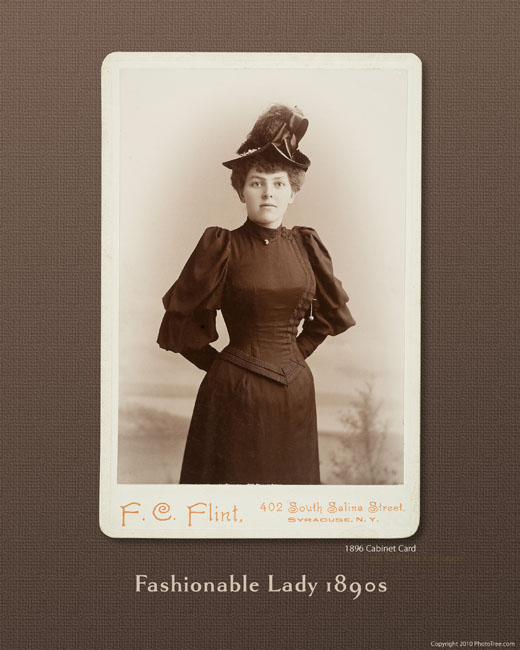
Your photographs can be personalized with a title, name, or meaningful message. While using a typeface that complements the image, this option can add even greater intrigue to the image.
Six Easy Steps
| 1 – Choose your package |
|
See packages below. |
| 2 – Send a high resolution scan* |
|
See below, quote provided. |
| 3 – Approve the Quote |
|
Email response is fine |
| 4 - Supply title or name for photo |
|
Optional, via email |
| 5 – Specify size & number of prints |
|
Package 2 only |
| 6 - Receive beautiful reproductions |
|
Typically one week |
Choose Your Package
Package 1 – Economy, all electronic.
- Includes expert restoration and enhancement of your photograph.
- You will receive a master restored file (image).
- Pictures will be matted with faux mats and titled as specified
- You will receive 5x7 and 8x10 sized files for prints. Other sizes available for no charge. Larger prints may require very large scans.
- Files will be emailed or sent via a drop-box service if too large.
- This package requires you to take or send the restored files to a store or service to make print. Frame not included.
Package 2 –Includes actual prints mailed to you.
- Includes expert restoration and enhancement of your photograph.
- You will receive a master restored file (image).
- You will receive electronic 5x7 and 8x10 sized files for prints. Other sizes available for no charge. Larger prints may require very large scans.
- One professional printed picture: 5x7 or 8x10. (other available)
- Files will be emailed or sent through a drop-box service is too large.
- Pictures will be matted with faux mats and titled as specified
- PhotoTree will have real phots made of your images by a leading national service. These are long lasting, silver-halide prints. Frame not included.
Send PhotoTree a High Resolution Image
Send us a Digital File
This is the easiest method for most people. And it still can produce wonderful results if done with care taken to get the best scan possible.
Flatbed scanners have become inexpensive yet can produce very good results. The key to good restoration is having as much image detail in the file as possible. This is accomplished with high resolution and the correct file format.
Send to gary@phototree.com or write for the drop box address. Digital Resolution and File Type
* Resolution is typically described as Dots Per Inch (DPI) or sometimes Pixels Per Inch (PPI). For this purpose, they are the same thing. The following resolutions for your images are highly recommended:
Original Image Size |
Recommended DPI |
Large (8" x 10" or more) |
300 or 600 DPI |
Medium (4"x6", e.g.) |
600 DPI |
Small (2" x 4", e.g. CDV) |
600 or 1200 DPI |
Very Small (2" x 2" or less) |
1200 DPI |
The above resolutions will produce good results. More is better. Under no circumstances can restoration be performed on anything less than 300 DPI.
In addition, saving the file in the TIF format if necessary for optimum results.
Send Original Image
Some images may require special controlled lighting to get best results (e.g. daguerreotype) Also images that are extremely faded or very dark may require special attention
PhotoTree recognizes the reluctance to send your family heirlooms through the mail or express delivery. A phone call between us is needed if you wish to send the originals. Note: See the Packaging and Mailing tip sheet in the next column.
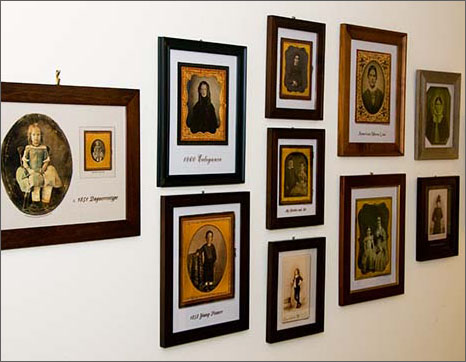
So many ways to display your vintage photographs. |
|
Restoration Tip Sheets |
Tip Sheets provides scanning and sending tips. |
|
| |
Restoration Samples - From Catastrophic to Easy
Sending the File - E-mail or Upload
Scanned files can become very large, approaching 20 Megabyte or more. If the file is large, and cannot be emailed, PhotoTree.com provides a free upload service through YouSendIt.com. This simple service allows very large file uploads. Contact us for the link that will walk you through the simple steps to upload your file.
Cost
Costs can vary depending on the amount of damage to the photograph, and how much restoration is needed.
Package 1
- Typical cost of a restoration (quote provided) $30 - $50
Package 2
- Cost of restoration (quote provided).Typically $30 - $50
- One professional print and priority mail - $10.00
- Additional prints: $2.50 each (Up to 8x10)
Note: Restoration costs based on amount of damage to picture and work required to restore. Repairing catastrophic damage can be more expensive. A free quote will be provided before work would begin. All payment is after satisfactory delivery.
Sample Looks
Here are some samples of the matted photographs, some with titles, some without. Click on each image for a larger version
|
|
|